🎮 Game Controls & Keyboard Guide
Turbo Stunt Racing: The Ultimate Racing & Driving Challenge
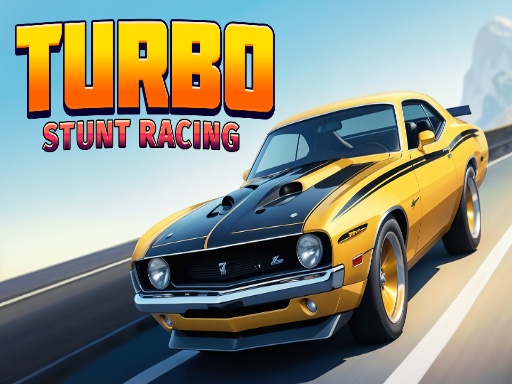
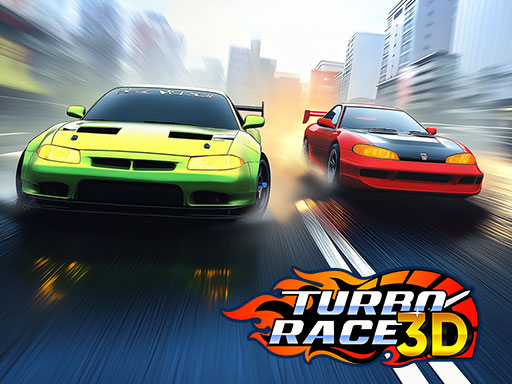
Experience high-speed thrills in Turbo Stunt Racing! Perform epic stunts, race fierce rivals, and upgrade unique cars in this 3D arcade racer packed with action, traps, and ramps. Master precision driving and dominate every level!
Test your speed, timing, and precision in Turbo Stunt Racing, a premier Racing game created for competitive gaming enthusiasts.
Complete Guide & Gameplay for Turbo Stunt Racing
Turbo Stunt Racing combines arcade simplicity with deep tactical layers. Master key combos, anticipate speed variations, and set unbeatable record scores.
This classic Racing & Driving browser title is fully optimized for HTML5 browsers, delivering responsive physics and immersive action on desktop, mobile, and tablet platforms without downloads.
⭐ Pro Tips & Strategy
Brake slightly before tight corners to initiate a controlled drift without losing momentum. Watch opponent slipstreams to gain extra drafting speed before overtaking on straight paths.
⚡ Key Features
🎮 Responsive Controls
Optimized for smooth keyboard, mouse, and touchscreen input across all devices.
🌟 High-Def Visuals
Crisp graphics with 60 FPS smooth rendering for an immersive visual experience.